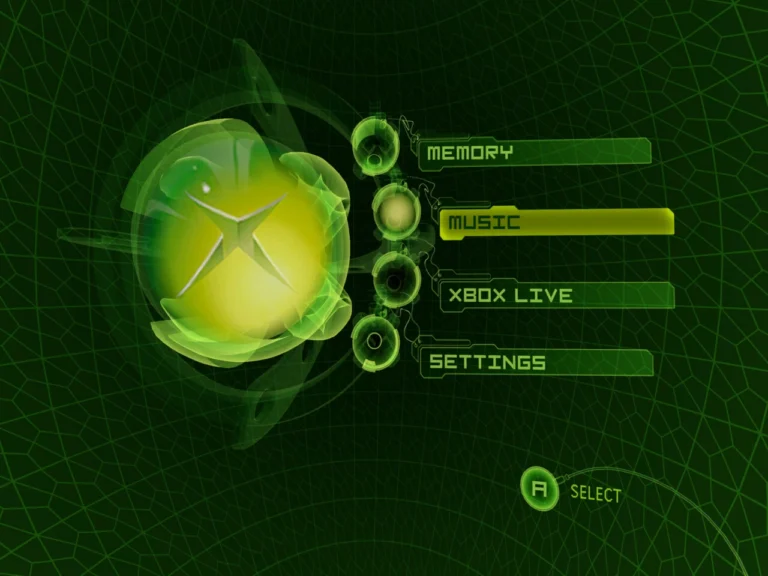
Resolution settings in Xemu can quietly make or break your experience. I’ve seen games look razor-sharp but stutter constantly, and others run buttery smooth while looking oddly soft. Finding the best resolution settings for Xemu isn’t about maxing everything out. It’s about balance.
What Resolution Does Xemu Actually Render At?
Xemu internally renders games based on the original Xbox output, then scales that image to your display. This means higher resolutions don’t magically add detail. They mostly affect clarity, UI sharpness, and GPU load.
If you skipped the basics, starting from a first-time emulator setup guide helps avoid stacking bad defaults that exaggerate scaling issues.
Is Higher Resolution Always Better?
Not in Xemu. Pushing resolution too high often stresses the GPU without improving visuals much. I tested 4K output on a mid-range system and gained almost nothing visually, while frame pacing got worse.
For most systems, 1080p output is the sweet spot. It cleans up jagged edges without introducing extra latency or stutter.
How Resolution Impacts Performance and Stability
Resolution ties directly into frame consistency. When resolution is too high, GPU spikes can cause micro-stutter that feels like CPU lag. These issues are often misdiagnosed as emulator bugs, similar to random performance drops users report.
Lowering resolution slightly often stabilizes FPS more effectively than tweaking dozens of advanced options.
Aspect Ratio and Scaling Pitfalls
Stretching to fill widescreen can distort HUDs and text. Xemu handles scaling decently, but forcing non-native ratios sometimes introduces shimmering or uneven pixels.
Keeping aspect ratio locked while adjusting output resolution gives the cleanest results. I’ve found that native 16:9 with integer scaling feels closest to real hardware.
Advanced Resolution Tweaks for Power Users
If your system can handle it, pairing moderate resolution with advanced performance optimization tips produces the best overall experience. Frame pacing matters more than raw pixel count.
Supersampling beyond 1080p can help with aliasing, but only if your GPU stays under consistent load. Otherwise, it’s better left off.
FAQs About Xemu Resolution Settings
What’s the best resolution for low-end PCs?
720p or 900p output usually offers the best balance of clarity and performance.
Does resolution affect input lag?
Indirectly, yes. Higher resolution can increase GPU latency if frames aren’t stable.
Why does my game look blurry at high resolution?
That’s often scaling or aspect ratio mismatch, not resolution itself.
Should I match Xemu resolution to my monitor?
Generally yes, but only if performance stays stable.
Community-Style Conclusion
The best resolution settings for Xemu aren’t about chasing the highest number. From my experience, clarity, stability, and responsiveness matter more than pixel count. Start with a solid first-time emulator setup guide, watch for random performance drops, and only push higher resolutions once you’ve applied advanced performance optimization tips. When resolution is dialed in, Xemu feels far more consistent and enjoyable.