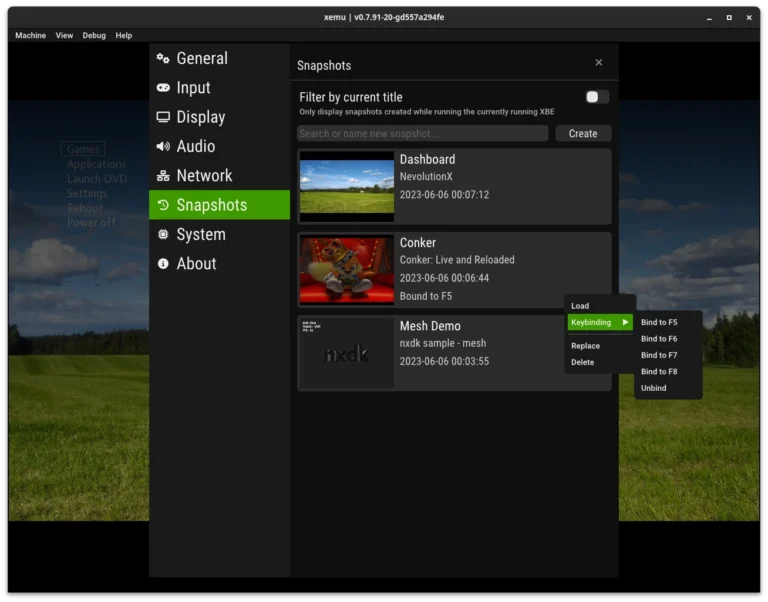
Installing Xemu looks easy until it isn’t. I’ve helped dozens of users in Discord and Reddit threads, and most issues come from the same few mistakes. This guide focuses on xemu installation mistakes that stop the emulator from launching, recognizing games, or running smoothly — and how to fix them fast without reinstalling everything.
Why does Xemu fail to launch on first run?
The most common cause is missing BIOS or MCPX files. Xemu doesn’t ship with these, and placing them in the wrong folder silently breaks startup. I’ve seen users extract them into random directories instead of the root config path.
If you’re unsure where they belong, walk through getting started with Xemu before troubleshooting anything else. It saves hours.
Why won’t Xemu detect my games?
Most people try loading compressed files or Xbox 360 ISOs. Xemu only works with original Xbox disc images in XISO format. Even renamed files won’t load if the internal structure is wrong.
If your game shows up but crashes immediately, check common Xemu boot errors for disc-specific fixes before assuming the emulator is broken.
Why does Xemu crash after BIOS selection?
This usually happens when BIOS and MCPX versions don’t match. Mixing files from different dumps causes black screens, freezes, or instant exits. I learned this the hard way after three reinstalls that solved nothing.
Always source both files from the same dump set and avoid “modified” BIOS files unless you know exactly why you’re using them.
Why is performance terrible even on good hardware?
Many installs default to software rendering. This kills performance even on powerful systems. Switching to hardware acceleration and increasing GPU buffer size often doubles frame rates instantly.
If you’re tuning beyond basics, performance optimization tips can help squeeze out stable gameplay without sacrificing accuracy.
Why won’t my controller work?
Windows often assigns Xbox controllers incorrectly on first connect. Xemu then reads duplicate inputs or none at all. Clearing mappings and manually re-binding usually fixes it.
Bluetooth controllers cause the most trouble. Wired USB almost always works instantly in my experience.
Why does audio crackle or desync?
This happens when audio buffering conflicts with frame pacing. Lowering latency sometimes worsens it. Raising buffer size slightly usually stabilizes playback, especially on laptops.
It’s annoying but rarely hardware-related — just emulator timing quirks.
FAQs
Do I need to reinstall Xemu to fix most errors?
Almost never. Most problems come from file placement, BIOS mismatch, or settings conflicts — all fixable without reinstalling.
Can I use Xbox 360 or One ISOs?
No. Xemu only supports original Xbox disc formats. Anything else won’t load correctly.
Why does Xemu open but show a black screen?
Usually a BIOS/MCPX mismatch or missing firmware file. Double-check versions and file paths.
Does Xemu work better on Windows or Linux?
Performance is similar, but Windows tends to have fewer driver and controller issues for beginners.
Final thoughts
Most Xemu problems aren’t bugs — they’re setup traps. Once you avoid these common xemu installation mistakes, the emulator becomes surprisingly stable. I’ve seen users go from broken installs to full game libraries in under 10 minutes just by fixing BIOS placement and render settings.
If something still feels off, it’s almost always configuration — not Xemu itself.