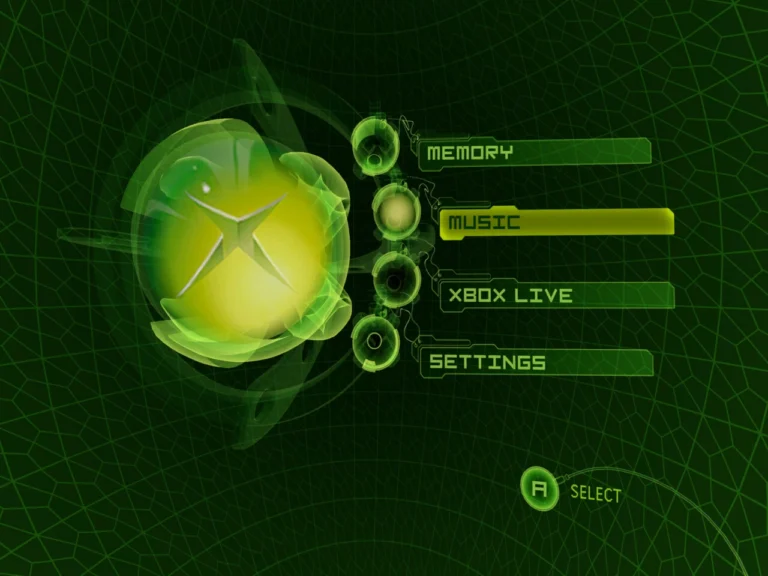
If Xemu feels slow even though your GPU isn’t maxed out, the CPU is usually the bottleneck. I ran into this myself while testing different Xbox titles and wondering why FPS refused to stabilize. Xemu leans heavily on CPU accuracy, not just raw power. Optimizing it properly can turn borderline performance into smooth, playable sessions.
Why Xemu Is So CPU-Heavy
Unlike simpler emulators, Xemu prioritizes accuracy over shortcuts. That means the CPU is constantly translating Xbox instructions in real time. Even strong GPUs won’t help if your CPU threads are mismanaged or overloaded. This is why following a basic Xemu setup guide first matters more than people expect.
Core CPU Settings That Actually Matter
The biggest win comes from enabling multi-threaded CPU emulation. On quad-core or higher CPUs, this spreads workload evenly and reduces frame spikes. I’ve seen games go from inconsistent stutter to near-lock 60 FPS with this alone.
Another overlooked factor is background load. Closing browser tabs, launchers, or screen recorders freed up just enough CPU headroom to stabilize gameplay during heavy scenes.
When CPU Issues Look Like Emulator Errors
CPU overload often masquerades as random bugs. Audio crackling, delayed input, or sudden freezes aren’t always configuration mistakes. I wasted time chasing settings before realizing the CPU was throttling under load. These symptoms often overlap with common emulator errors, so it’s worth checking CPU usage before changing anything drastic.
Advanced CPU Tweaks for Power Users
For experienced users, CPU affinity can help. Pinning Xemu to physical cores instead of logical ones reduced stutter on my system. Disabling aggressive power-saving modes in your OS also prevents sudden clock drops mid-game.
Pairing this with advanced performance tuning techniques—like shader pre-caching and stable frame pacing—helps keep CPU usage predictable. These tweaks won’t magically fix weak CPUs, but they squeeze out consistency.
FAQs About CPU Optimization in Xemu
Does single-core speed matter more than core count?
Both matter, but single-core performance is critical. Xemu still relies heavily on strong individual cores.
Will overclocking help Xemu?
It can, but stability matters more than raw clocks. An unstable overclock causes worse stutter than stock speeds.
Why is my CPU at 100% but GPU idle?
That’s normal in CPU-bound emulation. It means Xemu is limited by processing, not rendering.
Can CPU optimization fix all lag?
No. Some games are simply harder to emulate and will always need more power.
Should I tweak CPU settings per game?
Only if needed. Most gains come from global optimization, not per-title micromanagement.
Community-Style Conclusion
CPU optimization is where Xemu performance is really won or lost. GPUs get the attention, but CPUs do the heavy lifting. With a solid basic Xemu setup guide, awareness of common emulator errors, and a few advanced performance tuning techniques, you can push Xemu far beyond its default behavior. From my experience, smart CPU tuning matters more than expensive upgrades—and it shows immediately once you get it right.