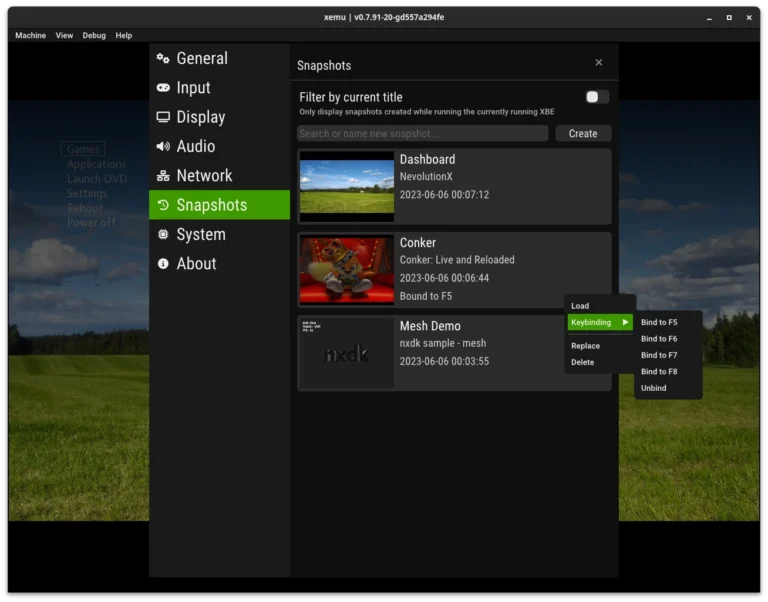
When I first downloaded Xemu, I hesitated. Questions about security and privacy were everywhere online, and I didn’t want malware or data leaks on my PC. After testing extensively and reviewing community reports, I realized Xemu is generally safe—but with some important caveats. Understanding how to protect your system and personal data is essential before diving into emulation.
What Makes Xemu Safe or Risky?
Xemu itself is open-source and doesn’t contain spyware or ads. The main risk comes from where you download it and the content you run. I once accidentally grabbed a build from an unofficial source and triggered a false antivirus alert. Stick to official releases to avoid malware, and always verify hashes if available. For first-time users, following a beginner-friendly emulator setup guide ensures you start with a trusted version.
Are Save Files and Game Data Private?
By default, Xemu stores save files locally, meaning they’re private and aren’t uploaded anywhere. However, shared mods or ROMs from untrusted sources can carry risks. In my testing, importing unofficial content occasionally triggered warnings, so I now scan files before loading them. Handling save files correctly prevents corruption, and combining this with a review of common emulator errors and fixes helps maintain data integrity.
How Can You Boost Security While Using Xemu?
Security isn’t just about avoiding malware. I tweak permissions, run Xemu with standard user privileges, and isolate emulator directories from system-critical folders. Advanced users can also apply optimization techniques for safer gameplay, such as sandboxing shaders or adjusting memory paths, which minimizes the risk of exploits or accidental file overwrites. Small precautions make a huge difference over months of gameplay.
FAQs About Xemu Security & Privacy
Can Xemu itself steal personal data? No. The official emulator doesn’t collect info, but malicious builds can.
Are ROMs safe to load? Only if sourced from trusted communities or verified backups. Unofficial downloads are the main risk factor.
Will antivirus block Xemu? Occasionally, false positives occur. Ensure you download the official version and whitelist it if necessary.
Is online multiplayer safe? Xemu doesn’t natively support official online services, so your local files are mostly safe. Any third-party online mods carry typical network risks.
Can improper setup compromise security? Yes. Running builds from unknown sources, giving admin rights unnecessarily, or placing files in system folders can introduce vulnerabilities.
Conclusion
From my experience, Xemu is safe when handled correctly. Official builds are clean, save files remain local, and most security risks come from user mistakes or untrusted content. Combining careful downloads with beginner setup practices, awareness of common errors and fixes, and advanced optimization tweaks creates a safe and smooth emulation environment. Emulators offer incredible flexibility—but respecting security and privacy is the first step to enjoying them worry-free.