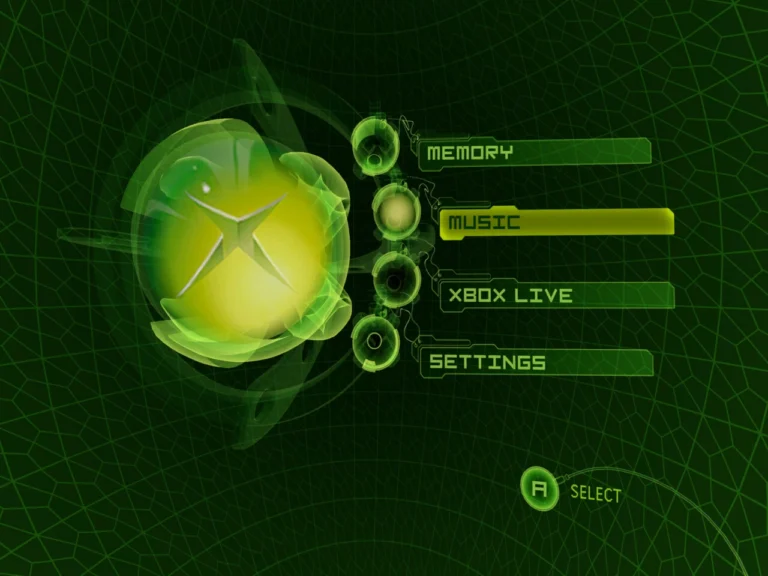
Most Xemu guides cover the obvious stuff. GPU settings, resolution, and basic CPU tweaks. What they rarely mention are the small performance tweaks that quietly fix stutter, frame drops, and weird slowdowns. I missed these myself for months until testing things the hard way.
Why Xemu Feels “Almost Smooth” for Many Users
Xemu often runs in a gray zone. FPS looks fine, audio is mostly okay, but something feels off. That usually means timing issues rather than raw power limits. These are the kinds of problems a solid getting started setup guide prevents early, but many users skip past them.
Background Processes Hurt Xemu More Than You Think
Xemu is extremely sensitive to CPU scheduling. Even light background apps can steal tiny time slices that add up to stutter. I saw noticeable gains just by closing browser tabs and game launchers.
Overlay software is another hidden killer. FPS counters, recording tools, and chat overlays can cause uneven frame pacing without obvious spikes.
Power Management Is a Silent Performance Killer
One tweak almost nobody checks is system power mode. Balanced or power-saving profiles can throttle CPU clocks mid-game. Xemu hates that. Switching to a high-performance mode stopped random slowdowns for me that looked like emulator bugs.
These issues often get confused with random performance drops, even though the emulator itself isn’t at fault.
Shader and Cache Behavior Matters
Xemu rebuilds shaders more often than people expect. Clearing cache too frequently can actually hurt performance, causing repeated stutter during the same scenes. Letting the cache persist between sessions improved consistency across long playthroughs.
On the flip side, corrupted cache data can cause sudden slowdowns. When performance tanks overnight, clearing it once is worth trying.
Window Mode vs Fullscreen Timing
Windowed mode adds a small but noticeable timing penalty on some systems. Fullscreen exclusive mode gave me steadier frame pacing and reduced micro-stutter, even at the same FPS.
Borderless fullscreen looks cleaner, but it still relies on the desktop compositor, which can introduce latency under load.
CPU Affinity and Core Usage
Manually setting CPU affinity sounds extreme, but on high-core CPUs it can help. Keeping Xemu on physical cores reduced hitching during heavy scenes for me. It’s not mandatory, but it’s one of those advanced performance optimization techniques that actually works when everything else is dialed in.
FAQs About Overlooked Xemu Tweaks
Do these tweaks help low-end systems?
Yes. They often matter more on weaker CPUs where timing is tight.
Why doesn’t higher FPS fix stutter?
Because frame pacing, not FPS, controls smoothness.
Can these tweaks cause instability?
Rarely, but aggressive affinity or cache clearing can backfire if overused.
Are these changes permanent?
Most are system-level and persist unless reverted.
Conclusion
Xemu performance isn’t just about big settings. It’s about removing friction everywhere else. From my experience, most “unsolvable” issues disappeared after fixing background load, power management, and timing quirks. Start with a proper getting started setup guide, watch out for random performance drops, and only then apply advanced performance optimization techniques. These are the tweaks most users miss—and the ones that finally make Xemu feel right.